

Introduction
Artificial intelligence tools have become widely accessible, and many people are trying them out for the first time without much guidance. While these tools can be genuinely useful, beginners often run into avoidable mistakes simply because they are unfamiliar with how AI systems actually work. Understanding these common pitfalls can make the learning curve much smoother and lead to better results overall. This article looks at some of the most frequent mistakes beginners make when using AI tools and offers practical suggestions for avoiding them.
Whether someone is using AI for writing, research, coding assistance, or everyday tasks, the underlying challenges tend to be similar. Many issues stem from misunderstanding what AI can and cannot do, rather than any flaw in the tools themselves. Recognizing this distinction is often the first step toward using AI more effectively.
Benefits and Limits of AI Tools
AI tools offer real benefits, including faster task completion, assistance with brainstorming, and support for repetitive work. For beginners, these advantages can be appealing, sometimes leading to over-reliance before understanding the tool's boundaries. AI systems are not infallible: they can produce inaccurate information, misunderstand context, or generate content that sounds confident but is factually incorrect.
Recognizing these limits early helps set realistic expectations. AI should generally be treated as a support tool rather than an authority, especially for tasks involving factual accuracy, legal matters, or specialized technical knowledge.
- AI can speed up drafting and repetitive tasks
- AI can assist with brainstorming and idea generation
- AI is not always factually accurate
- AI lacks true understanding of context or nuance
- Human review remains necessary for important decisions
Types of Mistakes Beginners Commonly Make
Over-Trusting AI Output
One of the most common mistakes is accepting AI-generated content or answers without verification. Because responses are often written in a confident, polished tone, it can be easy to assume they are accurate, even when they are not.
Using Vague Prompts
Beginners often provide minimal or unclear instructions, then are surprised when the output does not match their expectations. AI tools generally perform better with specific, detailed prompts.
Ignoring Data Privacy
Sharing sensitive personal or professional information with AI tools without understanding how that data may be stored or used is a frequent oversight, particularly among new users.
Expecting Human-Level Judgment
Some beginners treat AI as though it has genuine understanding or judgment, rather than recognizing it as a pattern-based system trained on existing data.
Current Trends in Beginner AI Use
As AI tools become more mainstream, several trends are shaping how beginners interact with them. There is a growing emphasis on AI literacy, with more educational resources aimed at helping new users understand both capabilities and limitations. Tools are also increasingly including built-in disclaimers or confidence indicators to signal when output may need extra scrutiny.
Another trend is the rise of guided or template-based prompting features, designed to help beginners phrase requests more effectively without needing prior experience. Privacy-focused settings are also becoming more visible within AI platforms, reflecting growing awareness around data handling.
Key Features Beginners Should Understand
Before relying heavily on any AI tool, it helps to understand a few core features that influence how it behaves and what kind of output to expect.
| Feature | Why It Matters for Beginners | Common Misunderstanding |
|---|---|---|
| Prompt Sensitivity | Output quality often depends heavily on how a request is phrased | Assuming vague prompts will still produce precise results |
| Confidence vs. Accuracy | AI can sound certain even when incorrect | Mistaking confident tone for factual accuracy |
| Data Handling | Some tools may store or use input data | Assuming all input is automatically private |
| Context Limitations | AI may lose track of earlier details in long conversations | Expecting perfect memory across a session |
| Bias in Training Data | Output can reflect patterns present in training data | Assuming responses are always neutral |
General Categories of AI Providers
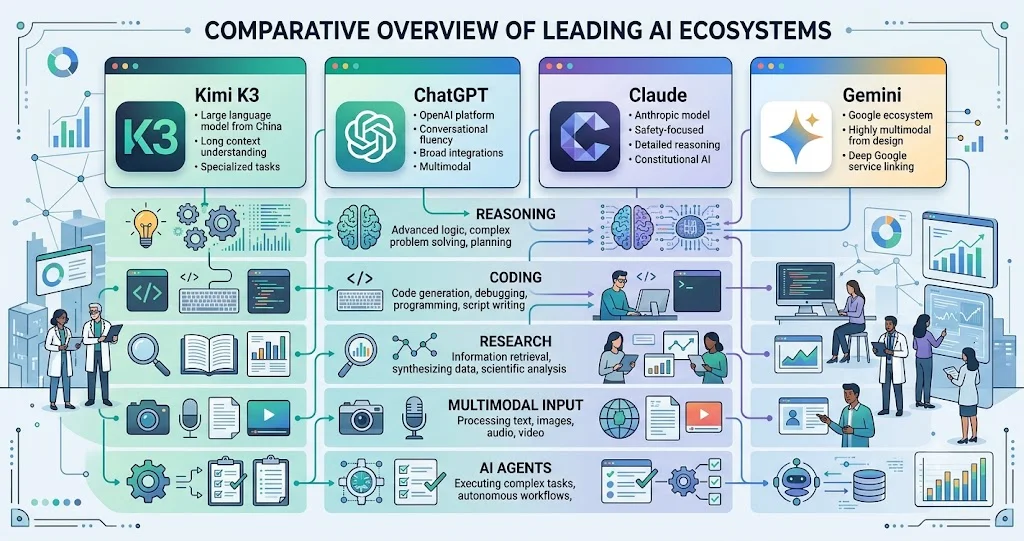
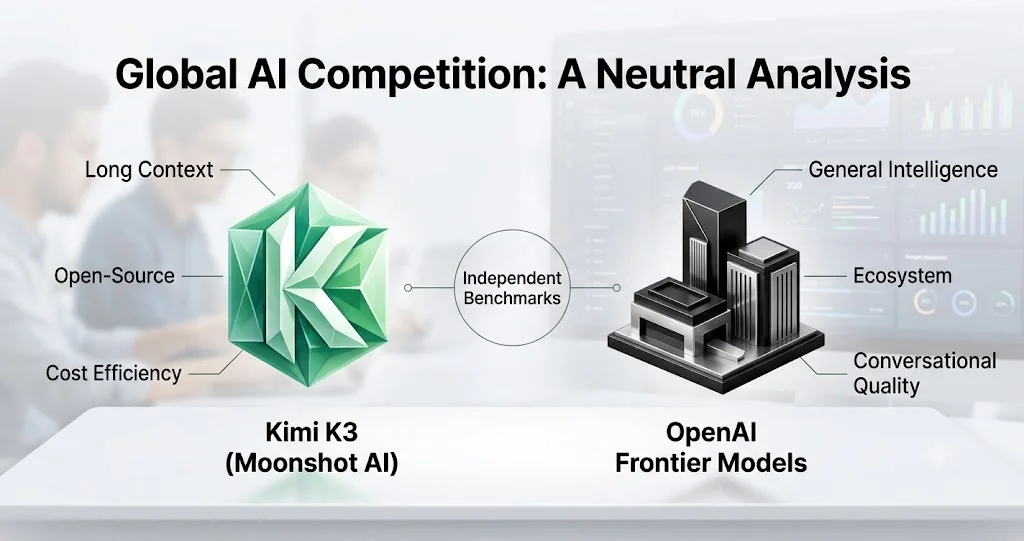
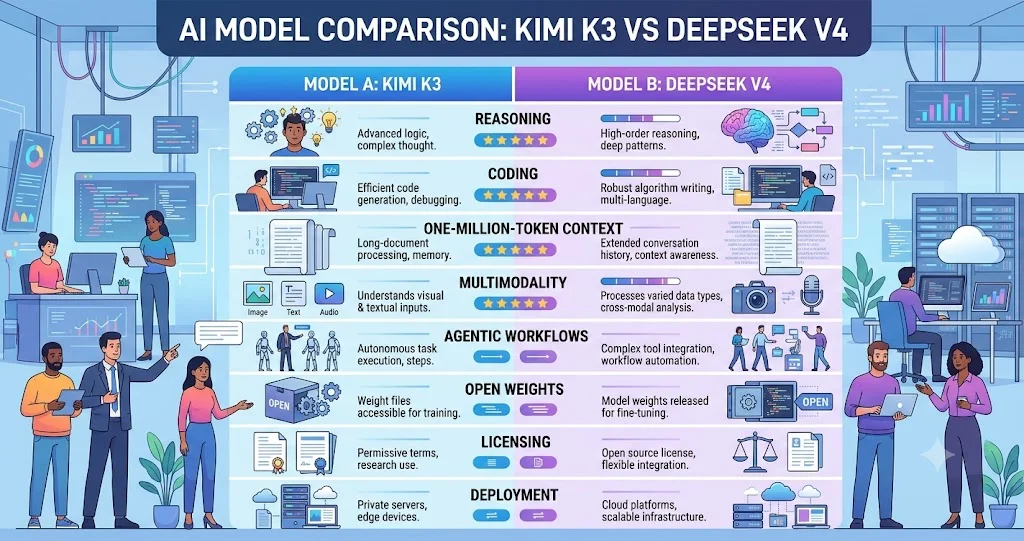
Beginners often encounter AI tools from a few broad categories of organizations. Some are developed by dedicated AI research companies, others are integrated into existing productivity software by established technology providers, and some are open-source projects maintained by developer communities. Each category tends to differ in areas like transparency, customization options, and how updates are rolled out, which can be useful context when comparing tools.
How to Select the Right Approach
Rather than choosing a single AI tool and using it for everything, it helps to match the tool and approach to the specific task. Some tools are better suited for writing assistance, others for research summarization, and others for technical or coding support.
Beginner Checklist
- Verify AI-generated information before relying on it
- Write clear, specific prompts rather than vague requests
- Review privacy settings before sharing sensitive information
- Treat AI output as a draft, not a final answer
- Take time to learn the specific tool's strengths and limitations
Practical Tips for Beginners
Building good habits early can make a significant difference in how effectively someone uses AI tools over time. Taking a little extra time upfront to understand a tool's behavior often prevents frustration later.
- Start with simple, low-stakes tasks to learn how the tool responds
- Ask follow-up questions to clarify or refine AI output
- Cross-check important facts using other reliable sources
- Avoid sharing confidential or sensitive data unless necessary
- Gradually increase reliance on AI as understanding improves
Learning to use AI effectively is less about mastering complex commands and more about understanding its boundaries and working within them.
Frequently Asked Questions
Do I need technical skills to use AI tools?
Most consumer-facing AI tools are designed to be user-friendly and do not require programming knowledge. Basic familiarity with clear communication is generally more important than technical skill.
Why does AI sometimes give incorrect answers?
AI systems generate responses based on patterns in training data, which does not guarantee factual accuracy. This is why verifying important information remains necessary.
Is it safe to share personal information with AI tools?
This depends on the specific tool and its privacy policies. Beginners should review data handling practices before sharing sensitive or personal details.
How can I improve the quality of AI responses?
Providing clear, specific, and detailed prompts generally leads to more useful and relevant output compared to vague requests.
Can AI tools replace human expertise?
AI tools can support tasks and save time, but they are not a substitute for professional expertise, particularly in areas involving legal, medical, or financial decisions.
Will AI tools become easier to use over time?
As AI literacy grows and tools continue to develop more guided features, they are generally expected to become more intuitive for beginners.
Conclusion
Many of the mistakes beginners make with AI tools stem from misunderstanding what these systems can realistically do. By approaching AI with clear expectations, verifying important information, and building good habits early, beginners can avoid common pitfalls and use these tools more effectively. As AI continues to become part of everyday work and learning, developing a thoughtful, informed approach remains one of the most valuable skills a new user can build.